
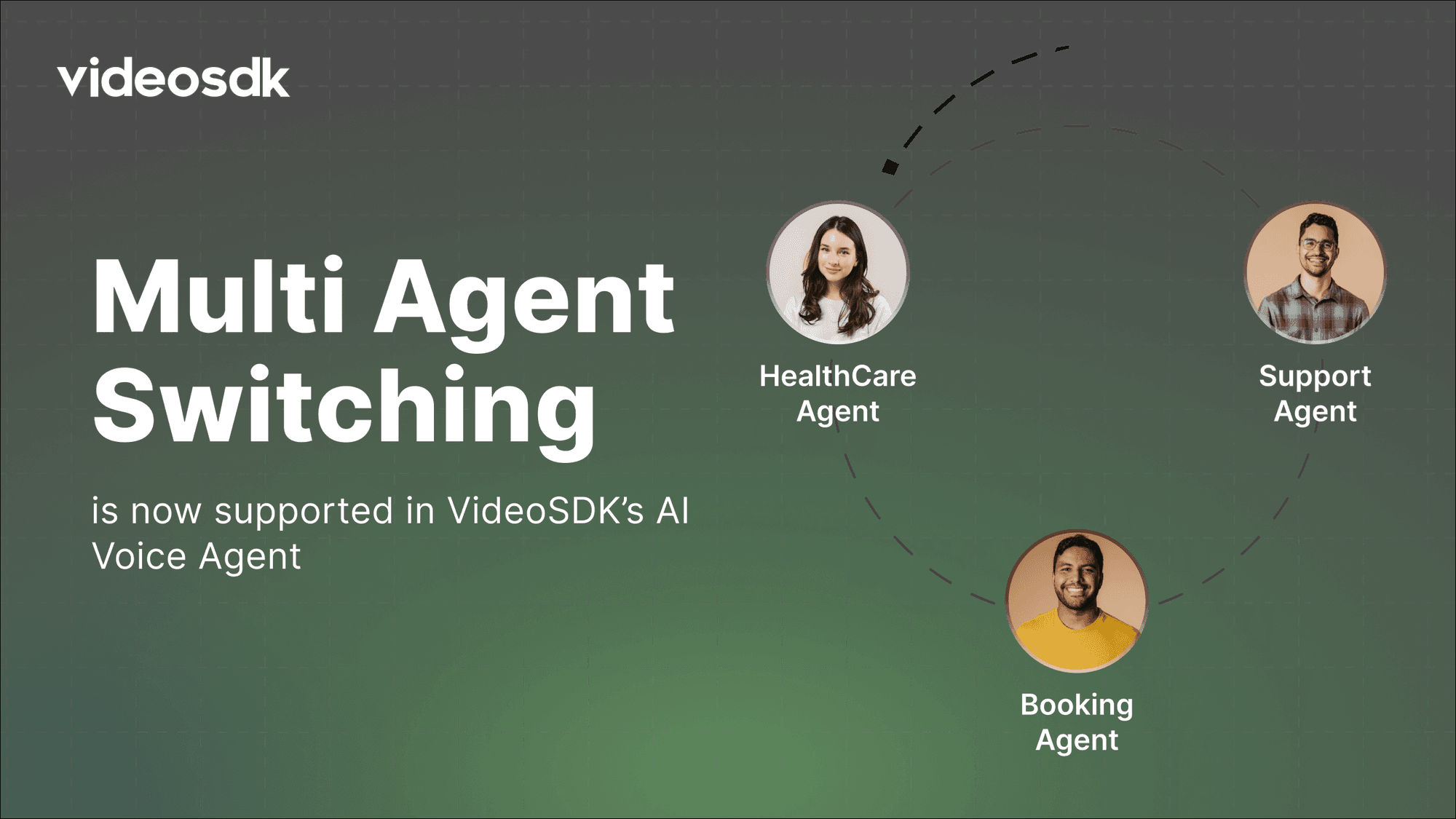


In today’s fast-paced world, users expect AI assistants to handle complex workflows . Imagine a healthcare assistant that not only understands your symptoms but can also instantly transfer you to the right specialist without making you repeat yourself. This is possible with multi-agent switching, and in this guide, we’ll show you how to build it using VideoSDK.
Why Multi-Agent Switching Matters
Traditional AI assistants often rely on a single agent to handle all tasks. This can get complicated when multiple tools or domains are involved. Multi-agent switching breaks a workflow into specialized agents, each focusing on a specific domain or task. For example in healthcare agent :
- One agent handles general healthcare inquiries.
- Another manages appointment scheduling.
- A third provides medical support or guidance.
By coordinating smaller agents that operate independently, you create a system that is modular, maintainable, and more intelligent.
Context Inheritance: Keeping Conversations Smooth
When switching agents, you want the new agent to either:
- Know the previous conversation (
inherit_context=True)
→ Ideal for maintaining continuity, so users don’t have to repeat themselves. - Start fresh (
inherit_context=False)
→ Useful when switching to a completely unrelated task.
This flexibility ensures that your AI behaves naturally and intelligently.
How Multi-Agent Switching Works
- The primary VideoSDK agent listens and understands the user’s intent.
- If specialized assistance is needed, it invokes a function tool to transfer control.
- The new agent takes over. If
inherit_context=True, it has access to the previous chat, keeping the conversation seamless. - The specialized agent handles the user’s request and completes the interaction.
Implementation Example: Healthcare Agents
Below is a simplified implementation of a Healthcare AI Voice System using VideoSDK:
import logging
from videosdk.agents import Agent, AgentSession, CascadingPipeline, function_tool, WorkerJob ,ConversationFlow, JobContext, RoomOptions
from videosdk.plugins.deepgram import DeepgramSTT
from videosdk.plugins.google import GoogleLLM
from videosdk.plugins.cartesia import CartesiaTTS
from videosdk.plugins.silero import SileroVAD
from videosdk.plugins.turn_detector import TurnDetector, pre_download_model

pre_download_model()


class HealthcareAgent(Agent):
    def __init__(self):
        super().__init__(
            instructions="""
You are a general healthcare assistant. Help users with medical inquiries,
guide them to the right specialist, and route them to appointment booking or medical support when needed.
Respond clearly, calmly, and professionally.
""",
        )

    async def on_enter(self) -> None:
        await self.session.reply(
            instructions="Greet the user politely and ask how you can assist with their health-related concern today."
        )

    async def on_exit(self) -> None:
        await self.session.say("Take care and stay healthy!")

    @function_tool()
    async def transfer_to_appointment(self) -> Agent:
        """Transfer to the healthcare appointment specialist for scheduling or changes."""
        return AppointmentAgent(inherit_context=True)

    @function_tool()
    async def transfer_to_medical_support(self) -> Agent:
        """Transfer to medical support for symptoms, reports, or health guidance."""
        return MedicalSupportAgent(inherit_context=True)


class AppointmentAgent(Agent):
    def __init__(self, inherit_context: bool = False):
        super().__init__(
            instructions="""
You are an appointment specialist. Help users schedule, modify, or cancel
doctor visits, follow-ups, tests, or telehealth appointments.
""",
            inherit_context=inherit_context,
        )

    async def on_enter(self) -> None:
        await self.session.say(
            "You’re connected with appointments. What would you like to schedule or update today?"
        )

    async def on_exit(self) -> None:
        await self.session.say("Your appointment request is complete. Wishing you good health!")


class MedicalSupportAgent(Agent):
    def __init__(self, inherit_context: bool = False):
        super().__init__(
            instructions="""
You are a medical support specialist. Help users with symptoms,
health concerns, basic guidance, or understanding reports.
You are NOT a doctor — provide general support and routing only.
""",
            inherit_context=inherit_context,
        )

    async def on_enter(self) -> None:
        await self.session.say(
            "You’re now connected with medical support. How can I help with your health concern?"
        )

    async def on_exit(self) -> None:
        await self.session.say("Glad I could help. Take care and stay well!")


async def entrypoint(ctx: JobContext):
    agent = HealthcareAgent()
    conversation_flow = ConversationFlow(agent)

    pipeline = CascadingPipeline(
        stt=DeepgramSTT(),
        llm=GoogleLLM(),
        tts=CartesiaTTS(),
        vad=SileroVAD(),
        turn_detector=TurnDetector()
    )
    session = AgentSession(
        agent=agent,
        pipeline=pipeline,
        conversation_flow=conversation_flow
    )

    await session.start(wait_for_participant=True, run_until_shutdown=True)

def make_context() -> JobContext:
    room_options = RoomOptions(room_id="<room_id>", name="Multi Agent Switch Agent", playground=True)
    return JobContext(room_options=room_options)

if __name__ == "__main__":
    job = WorkerJob(entrypoint=entrypoint, jobctx=make_context)
    job.start()
With this setup, your healthcare AI can detect user intent and route them to the correct specialized agent while keeping context intact.
Multi-agent AI is a game-changer for healthcare voice assistants. It allows complex workflows to be broken down into specialized agents, ensures smooth context transitions, and improves user experience. Whether you’re handling patient symptoms, appointment scheduling, or medical guidance, this system keeps conversations natural, professional, and effective.
With VideoSDK, building such a system is easier than ever. You just need a few agents, some function tools, and your imagination to create a truly intelligent healthcare assistant.
Resources and Next Steps
- Explore the travel-agent-example for full code implementation.
- Learn how to deploy your AI Agents.
- Explore more: Check out the VideoSDK documentation for more features.
- 👉 Share your thoughts, roadblocks, or success stories in the comments or join our Discord community ↗. We’re excited to learn from your journey and help you build even better AI-powered communication tools!