


When building AI agents, the first validation step is often informal: trigger the agent, speak a sentence, and confirm that it responds. If speech is recognized, text is generated, and audio plays back, the system is considered functional.
This approach works for demos. It does not work for production.
As voice agents are deployed in real environments, previously invisible issues begin to surface. Response times increase under load. Transcription quality degrades gradually rather than catastrophically. Language models produce responses that are fluent but misaligned with user intent. When failures are reported, teams often lack the data required to diagnose them. There are no baselines, no thresholds, and no historical comparisons only subjective impressions.
This reveals a fundamental problem with modern AI agents: they are easy to demonstrate, but difficult to measure.
To address this gap, we introduced a structured Testing and Evaluation framework in the VideoSDK Agent SDK. This post explains the engineering principles behind that framework and how to think about evaluating real-time voice agents .
“Does It Work?” Is Not an Engineering Metric
In early development, teams frequently rely on qualitative validation: does the agent respond correctly in a small number of manual tests? While useful during prototyping, this approach collapses under production constraints.
From an engineering standpoint, a single successful interaction demonstrates only that one execution path completed without failure. It provides no information about:
- Latency distributions
- Variance across inputs and environments
- Regression across versions
- Sensitivity to load and concurrency
More critically, it produces no measurable artifacts that can be compared over time.
Production systems require observability. Without quantitative metrics, regressions are detected only after user complaints, and root-cause analysis becomes speculative. What appears to be a “model issue” may in fact be a latency spike, a transcription error, or a cascading failure across multiple stages.
Voice agents must therefore be evaluated as systems, not demos.
The First-Principles View: What Is an AI Agent?
At its core, a real-time agent is a pipeline:
- Speech-to-Text (STT) converts audio into text
- LLM interprets intent, reasons, and decides what to say
- Text-to-Speech (TTS) turns the response back into audio
Every failure in production maps to one of these layers. So instead of testing “the agent”, we should be asking:
- How long does STT take?
- How accurate is the transcription?
- Does the LLM respond correctly for this input?
- Does latency compound across the pipeline?
This is the mental model behind the evaluation framework.
Implementation: Measuring the Pipeline
Once the mental model is clear, evaluation becomes a systematic process:
- Define what to measure : Decide which metrics matter (latency, accuracy, quality).
- Instrument each component : Measure STT, LLM, and TTS individually.
- Measure end-to-end performance : Capture how component interactions affect the overall experience.
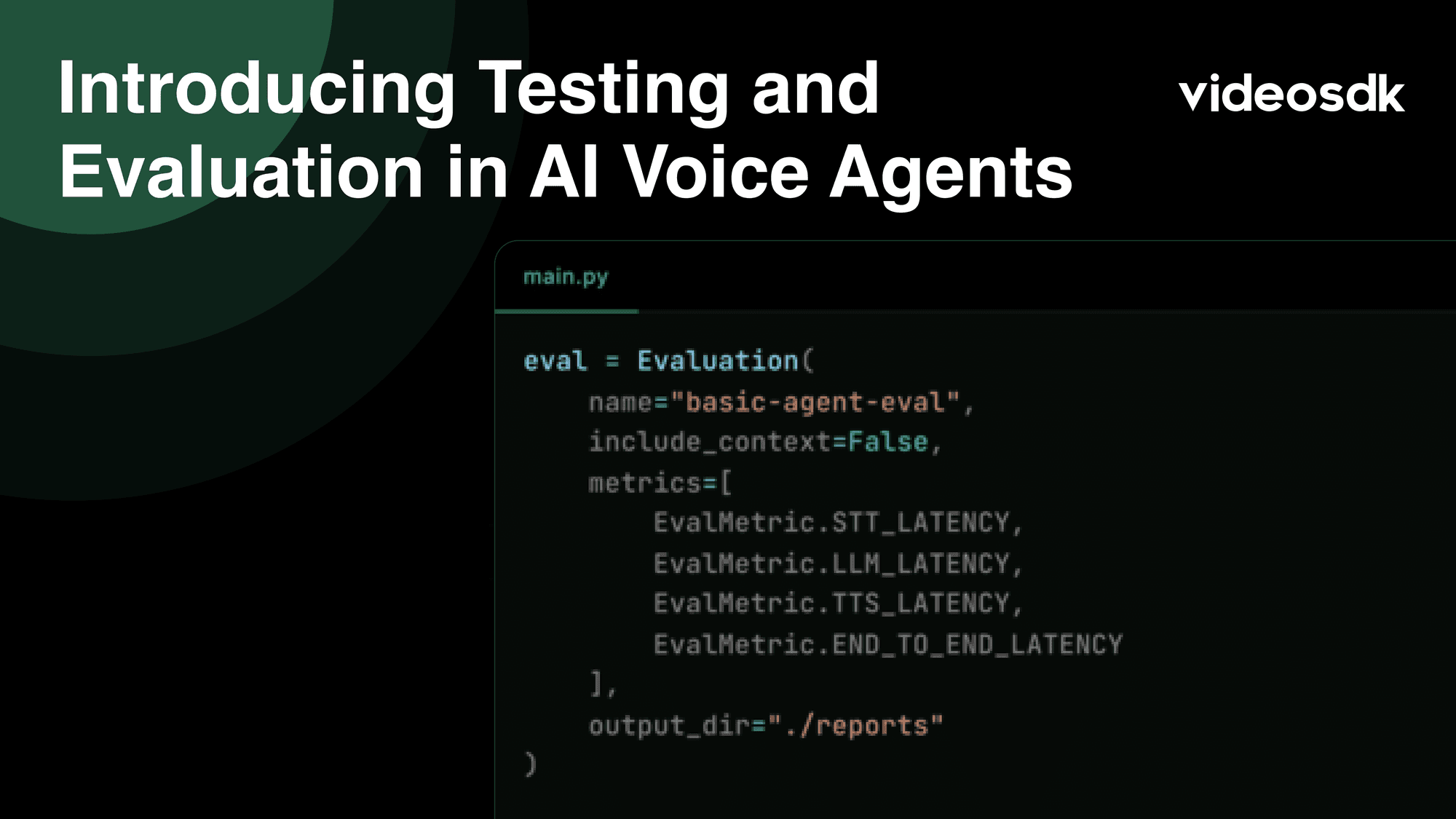
from videosdk.agents import Evaluation, EvalMetric

eval = Evaluation(
    name="agent-eval",
    metrics=[
        EvalMetric.STT_LATENCY,
        EvalMetric.LLM_LATENCY,
        EvalMetric.TTS_LATENCY,
        EvalMetric.END_TO_END_LATENCY
    ],
    output_dir="./reports"
)
This immediately answers questions like:
- How long does each component take?
- Where is most of the latency coming from?
- What does end-to-end user experience look like?
Adding a Turn: Testing the Full Pipeline
A “turn” is a single user-agent interaction that involves STT → LLM → TTS. Testing a turn allows you to see how errors propagate and how latency accumulates.
from videosdk.agents import (
    EvalTurn, STTComponent, LLMComponent, TTSComponent,
    STTEvalConfig, LLMEvalConfig, TTSEvalConfig
)

eval.add_turn(
    EvalTurn(
        stt=STTComponent.deepgram(
            STTEvalConfig(file_path="./sample.wav")
        ),
        llm=LLMComponent.google(
            LLMEvalConfig(
                model="gemini-2.5-flash-lite",
                use_stt_output=True
            )
        ),
        tts=TTSComponent.google(
            TTSEvalConfig(
                model="en-US-Standard-A",
                use_llm_output=True
            )
        )
    )
)
Evaluating Response Quality with an LLM Judge
Latency alone doesn’t guarantee a good experience. An agent can respond quickly and still be wrong.
To solve this, the SDK supports LLM-as-Judge, which evaluates responses on qualitative dimensions.
from videosdk.agents import LLMAsJudge, LLMAsJudgeMetric

judge = LLMAsJudge.google(
    model="gemini-2.5-flash-lite",
    prompt="Is the response relevant and logically correct?",
    checks=[
        LLMAsJudgeMetric.RELEVANCE,
        LLMAsJudgeMetric.REASONING,
        LLMAsJudgeMetric.SCORE
    ]
)
Testing Components in Isolation
Not every issue requires end-to-end testing. Sometimes you just want to isolate a single component.
STT Only
eval.add_turn(
    EvalTurn(
        stt=STTComponent.deepgram(
            STTEvalConfig(file_path="./sports.wav")
        )
    )
)
LLM Only
eval.add_turn(
    EvalTurn(
        llm=LLMComponent.google(
            LLMEvalConfig(
                model="gemini-2.5-flash-lite",
                mock_input="Explain photosynthesis in one paragraph"
            )
        )
    )
)
This makes debugging faster and removes noise from unrelated stages.
Running the Evaluation
Once your turns are defined, running the evaluation is straightforward.
results = eval.run()
results.save()
The SDK generates structured reports that you can track over time to catch regressions and compare model performance.
Conclusion
Building a voice AI agent that “works” in a demo is easy. Ensuring it works reliably in the real world requires structured testing and evaluation at every stage from speech recognition to language understanding to speech synthesis. This approach not only identifies hidden errors and latency issues but also ensures the agent responds accurately, handles interruptions, and delivers a seamless user experience. In short, testing is not optional; it’s the foundation for building AI agents users can trust.
Resources and Next Steps
- Explore the documentation for full code implementation.
- Learn how to deploy your AI Agents.
- Explore more: Check out the VideoSDK documentation for more features.
- 👉 Share your thoughts, roadblocks, or success stories in the comments or join our Discord community ↗. We’re excited to learn from your journey and help you build even better AI-powered communication tools!