
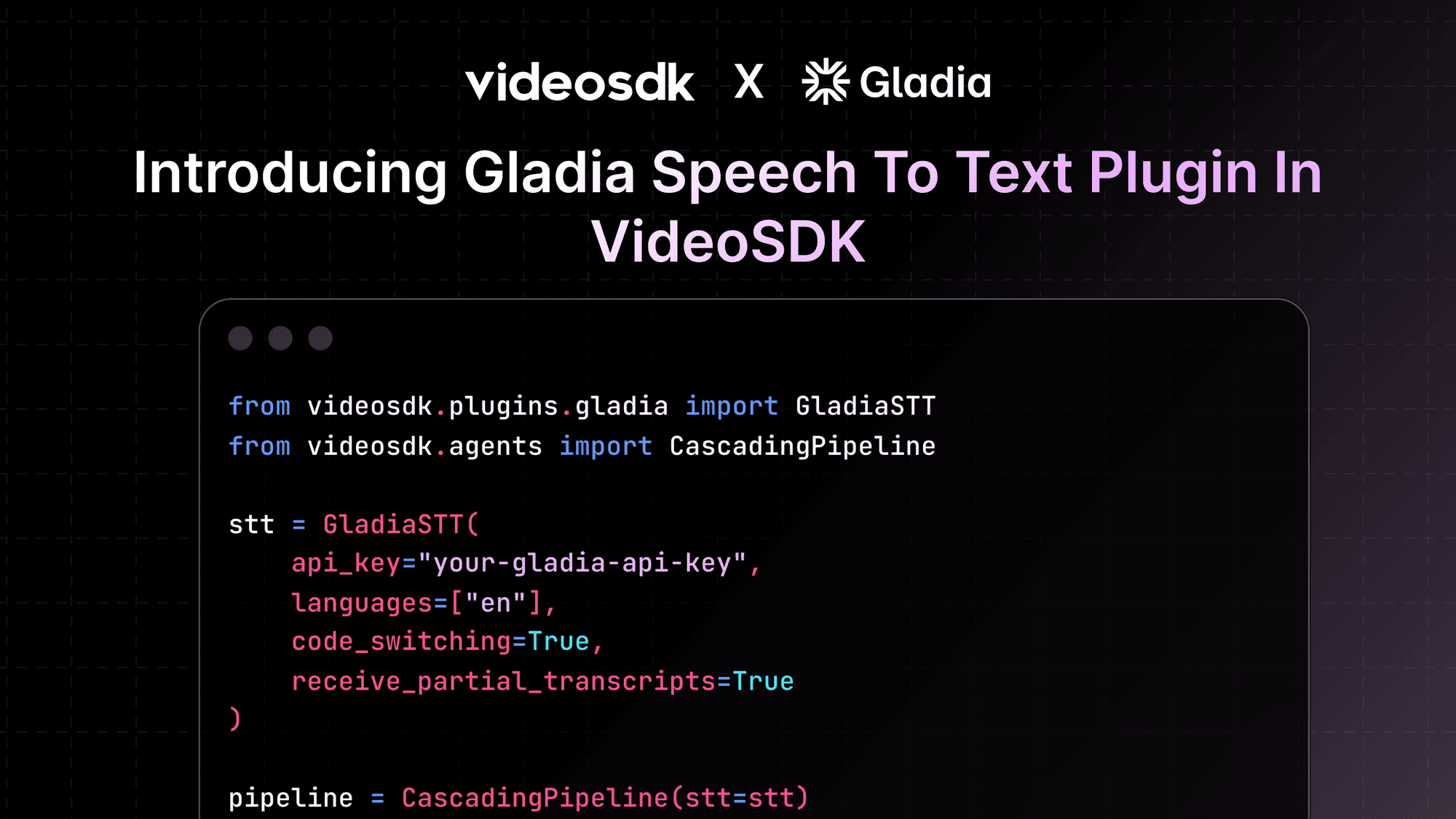


Speech-to-text is the first and most critical step in any voice agent. If transcription is slow or inaccurate, everything downstream reasoning and response suffers. Gladia STT is built for real-time transcription with strong multilingual support, fast partial results, and handling of code-switching.
In this guide, we’ll walk through how to integrate Gladia STT with the VideoSDK Agents SDK and use it as a reliable input layer for voice-driven applications
Why Gladia STT?
Many voice agents operate in environments where users switch languages mid-sentence or expect instant feedback while speaking. Gladia is optimized for these scenarios. It provides:
- Low-latency transcription
- Support for multiple languages
- Automatic code-switching
- Partial transcripts for faster turn detection
This makes it a strong choice for real-time agents, live calls, and interactive voice applications.
Key Features
- Real-Time Transcription : Gladia streams transcription results as audio is processed, reducing perceived latency in conversations.
- Multilingual Support : You can specify one or more languages, making it suitable for global or multilingual users.
- Code-Switching : Gladia can automatically detect and switch languages within the same conversation without manual intervention.
- Partial Transcripts : By enabling partial transcripts, agents can start reasoning before the user finishes speaking, improving responsiveness.
Installation
Install the Gladia-STT VideoSDK Agents package:
pip install "videosdk-plugins-gladia"Authentication
- Sign up at Gladia : signup link
- Sign up at VideoSDK - authentication token
GLADIA_API_KEY=your_api_key_here
VIDEOSDK_AUTH_TOKEN = token
When using environment variables, you don’t need to pass the API key directly in code the SDK reads it automatically.
Importing Gladia STT
from videosdk.plugins.gladia import GladiaSTTBasic Usage Example
Below is a minimal example showing how to configure Gladia STT and attach it to a cascading pipeline.
from videosdk.plugins.gladia import GladiaSTT
from videosdk.agents import CascadingPipeline

# Initialize the Gladia STT model
stt = GladiaSTT(
    api_key="your-gladia-api-key",
    languages=["en"],
    code_switching=True,
    receive_partial_transcripts=True
)

#  Add stt to a cascading pipeline
pipeline = CascadingPipeline(stt=stt)
This setup enables:
- Real-time transcription
- Automatic language switching
- Partial transcripts for faster downstream processing
Configuration Options
Gladia STT provides fine-grained control over transcription behavior:
languages: List of language codes to detect (e.g.,["en", "fr"])code_switching: Enables automatic language switchingreceive_partial_transcripts: Streams interim results for lower latencymodel: STT model to use (default:"solaria-1")input_sample_rate: Incoming audio sample rateoutput_sample_rate: Processing sample rateencoding: Audio encoding formatbit_depth: Audio bit depthchannels: Number of audio channels (mono or stereo)
These parameters let you tune accuracy, latency, and compatibility with your audio pipeline.
Conclusion
Gladia STT provides a strong foundation for real-time voice agents by combining speed, accuracy, and multilingual flexibility. When integrated with VideoSDK’s agent pipelines, it enables agents to listen effectively even in dynamic, multilingual conversations. A reliable STT layer like Gladia helps ensure that downstream reasoning and responses stay accurate, responsive, and consistent.
Resources and Next Steps
- Read more information on Gladia STT model
- Check out full code implementation on github
- Explore more : Read documentation on Gladia STT Plugin
- Learn how to deploy your AI Agents.
- Sign up at VideoSDK Dashboard
- 👉 Share your thoughts, roadblocks, or success stories in the comments or join our Discord community ↗. We’re excited to learn from your journey and help you build even better AI-powered communication tools!