


Real-time voice agents are fundamentally different from traditional AI pipelines. Instead of processing speech in separate steps speech-to-text, reasoning, and text-to-speech they operate as a continuous conversation loop. Every millisecond matters.
Ultravox is designed specifically for this use case. It enables low-latency, real-time conversational AI where listening, reasoning, and speaking happen together. In this blog, we’ll walk through how to use Ultravox with the VideoSDK Agents SDK to build responsive, interactive voice agents.
Key Features
- Real-Time Conversations : Ultravox is optimized for live voice interactions, making conversations feel natural and responsive rather than delayed or scripted.
- Function Calling : Agents can call tools or external APIs during a conversation such as fetching weather data or triggering workflows without breaking the interaction flow.
- Custom Agent Behavior : You can shape how your agent behaves using system prompts, allowing you to define tone, personality, or role-specific behavior.
- Call Control : Ultravox-powered agents can manage the conversation lifecycle, including ending calls gracefully when the interaction is complete.
- MCP Integration : Ultravox supports Model Context Protocol (MCP), allowing agents to connect to external tools and data sources using:
MCPServerStdiofor local processesMCPServerHTTPfor remote services
This makes it easier to build agents that interact with real systems instead of just responding with text.
Installation
To get started, install the Ultravox-enabled VideoSDK Agents package:
pip install "videosdk-plugins-ultravox"Authentication
Ultravox requires an API key.
- Generate an API key from the Ultravox dashboard
- Sign up at VideoSDK - authentication token
ULTRAVOX_API_KEY=your_api_key_here
VIDEOSDK_AUTH_TOKEN = token
When using environment variables, you don’t need to pass the API key directly in your code the SDK picks it up automatically.
Importing Ultravox
from videosdk.plugins.ultravox import UltravoxRealtime, UltravoxLiveConfig
Basic Usage Example
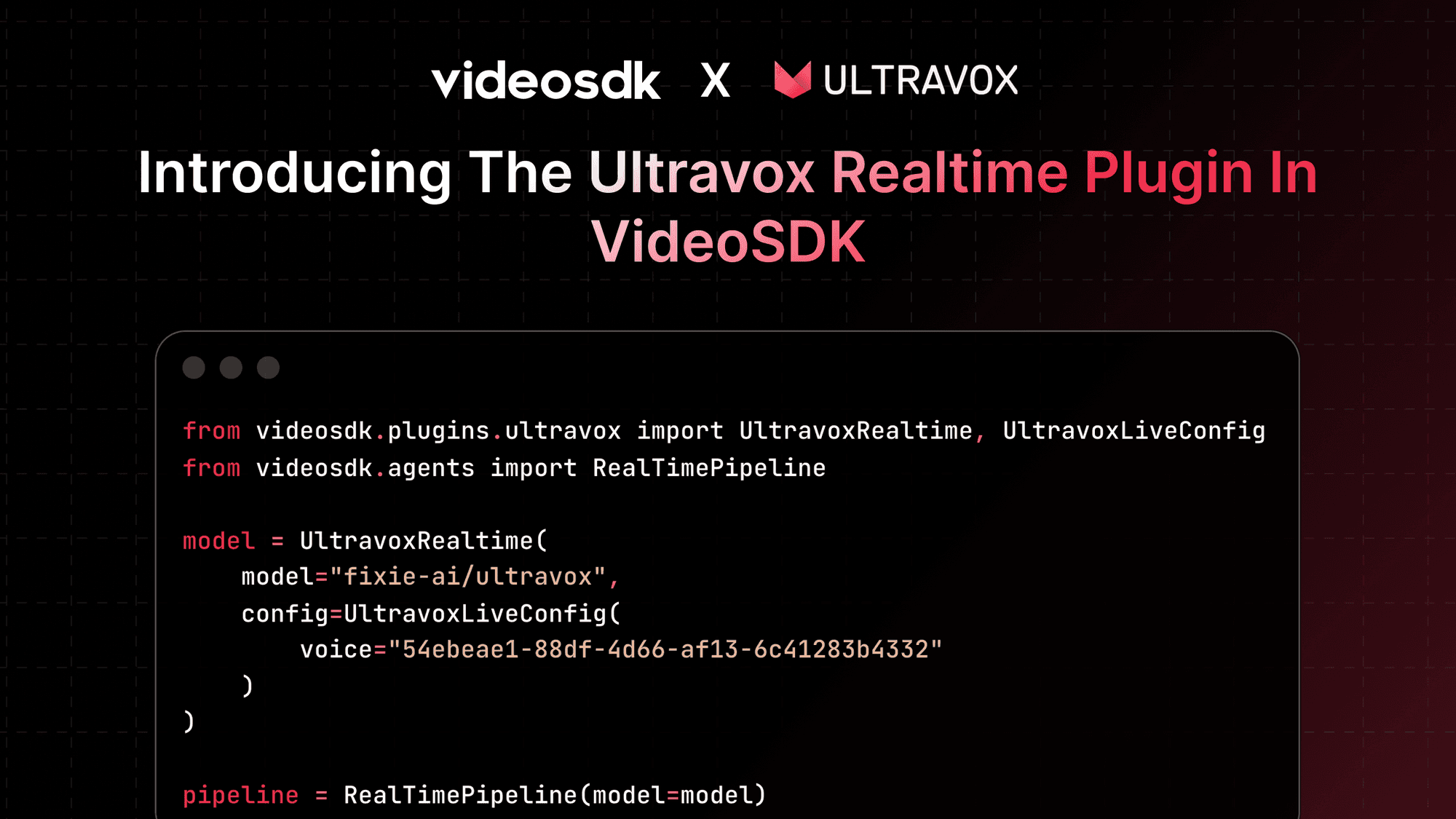
Below is a minimal example of setting up a real-time Ultravox agent using VideoSDK’s RealTimePipeline.
from videosdk.plugins.ultravox import UltravoxRealtime, UltravoxLiveConfig
from videosdk.agents import RealTimePipeline

# Initialize the Ultravox real-time model
model = UltravoxRealtime(
    model="fixie-ai/ultravox",
    config=UltravoxLiveConfig(
        voice="54ebeae1-88df-4d66-af13-6c41283b4332"
    )
)

# Create the real-time pipeline
pipeline = RealTimePipeline(model=model)
This setup creates a real-time conversational agent where:
- Audio input is processed continuously
- Responses are generated with minimal delay
- Speech output is streamed back to the user
Configuration Options
Ultravox provides fine-grained control over real-time behavior through UltravoxLiveConfig:
voice: Voice ID used for synthesized speechlanguage_hint: Hint for the expected conversation language (e.g.,"en")temperature: Controls response randomnessvad_turn_endpoint_delay: Delay (ms) before a speech turn is considered completevad_minimum_turn_duration: Minimum duration (ms) for a valid speech turn
These parameters help balance responsiveness, stability, and conversational accuracy.
When Should You Use Ultravox?
Ultravox is a strong fit when:
- You need real-time, low-latency voice conversations
- Turn-taking speed is critical
- You want to avoid managing separate STT, LLM, and TTS components
- Your agent needs to interact live with users or systems
For batch processing or highly controlled pipelines, a traditional STT → LLM → TTS setup may still make sense. Ultravox shines when conversations need to feel immediate.
Conclusion
Ultravox simplifies real-time voice agents by collapsing the entire conversational loop into a single model. Instead of orchestrating multiple components, developers can focus on agent behavior, tools, and interaction flow. When paired with VideoSDK’s real-time pipelines, Ultravox enables voice agents that respond quickly, act intelligently, and feel natural in live conversations.
Resources and Next Steps
- Read more information on Ultravox realtime model
- Check out code implementation on github
- Explore more : Read docs on Ultravox Realtime Plugin
- Learn how to deploy your AI Agents.
- 👉 Share your thoughts, roadblocks, or success stories in the comments or join our Discord community ↗. We’re excited to learn from your journey and help you build even better AI-powered communication tools!
- Sign up at VideoSDK - authentication token