
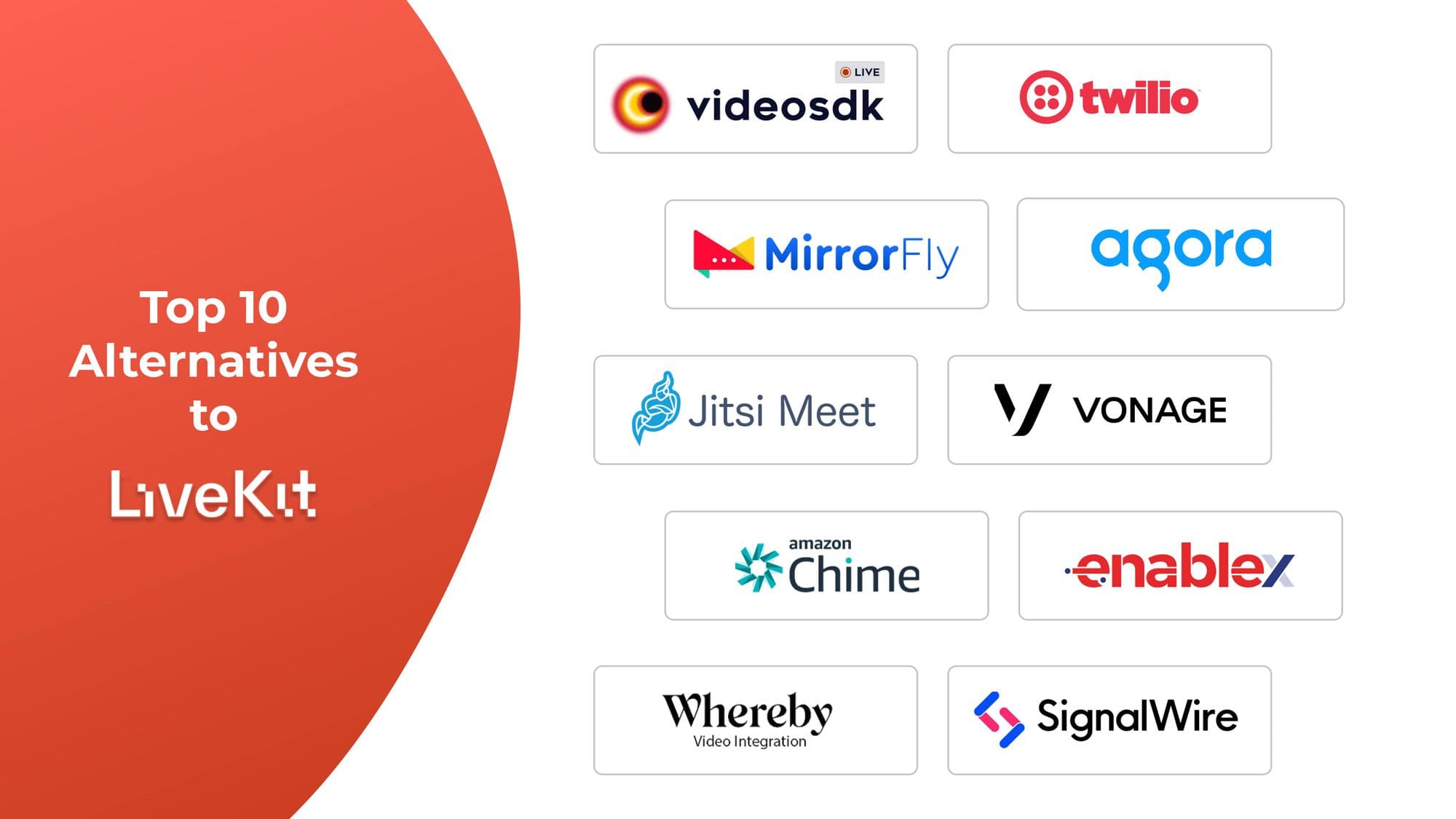


The best LiveKit alternatives are VideoSDK, Agora, Jitsi, Vonage, and Twilio, each offering managed infrastructure, prebuilt UI components, and production-ready SDKs that reduce the DevOps burden LiveKit's self-hosted model introduces. VideoSDK stands out for teams that need a fully managed WebRTC platform with competitive pricing, AI-ready pipelines, and deep SDK support across React, Flutter, Android, and iOS.
What Is LiveKit?
LiveKit is an open-source, WebRTC-based Selective Forwarding Unit (SFU) server that developers self-host to power real-time audio and video applications. LiveKit is defined as a media server built on the WebRTC protocol that routes audio and video streams between participants without mixing them, which keeps server CPU usage low at scale. LiveKit works by receiving media tracks from each publisher and selectively forwarding them to the correct subscribers based on subscription state and bandwidth conditions.
LiveKit is best known for its open-source licensing, its tight developer experience with SDKs for React, Swift, Kotlin, Flutter, Unity, and Rust, and its LiveKit Cloud managed tier. The trade-off is operational complexity: self-hosting requires running and scaling the LiveKit server binary, a TURN server, a Redis cluster for room state, and a recording service. According to the LiveKit documentation, production deployments also require TLS termination, load balancing across SFU nodes, and active monitoring of media port availability. For most product teams, this is more infrastructure than the communication feature justifies.
Why Teams Look for LiveKit Alternatives
Teams look for LiveKit alternatives when the self-hosting model creates more engineering overhead than the product requires. The most common triggers for switching are the following:
- Infrastructure cost: Running a production-grade SFU cluster on AWS or GCP requires EC2 instances, load balancers, Redis, and a TURN service, typically $400-$1,200 per month before traffic costs for a mid-sized application.
- DevOps ownership: Keeping up with LiveKit releases, patching security vulnerabilities, and scaling the cluster during traffic spikes requires dedicated engineering time.
- Missing managed features: LiveKit's open-source version has no built-in managed recording, no usage analytics dashboard, and no AI voice pipeline, features most managed platforms include.
- Android audio quality: LiveKit's GitHub issue tracker documents recurring reports of choppy audio playback on Android devices across multiple SDK versions.
- AI integration gap: Teams building AI voice agents need STT, LLM, and TTS pipelines plumbed into the media layer. LiveKit does not provide a managed inference layer for this.
How We Chose These LiveKit Alternatives
Each LiveKit alternative in this list was evaluated on five criteria:
- Managed infrastructure: Does the platform handle TURN, SFU scaling, geo-distribution, and recording without developer-managed servers?
- SDK breadth: Does the platform support the same set of platforms as LiveKit (React, React Native, Flutter, iOS, Android, Unity)?
- Pricing transparency: Is per-minute pricing published without a sales call? Are there hidden minimums?
- AI readiness: Does the platform support real-time voice agent pipelines (STT + LLM + TTS) natively, or require a custom integration?
- Time to first call: How quickly can a developer go from signup to a working multi-party call using the documentation alone?
Only platforms that provide an SDK (not just a SaaS meeting tool) were included. End-user products like Zoom or Google Meet are explicitly excluded.
10 Best LiveKit Alternatives in 2026
- VideoSDK
- Twilio Video
- MirrorFly
- Agora
- Jitsi
- Vonage
- AWS Chime SDK
- Enablex
- Whereby
- SignalWire
1. VideoSDK: Your Premier LiveKit Alternative
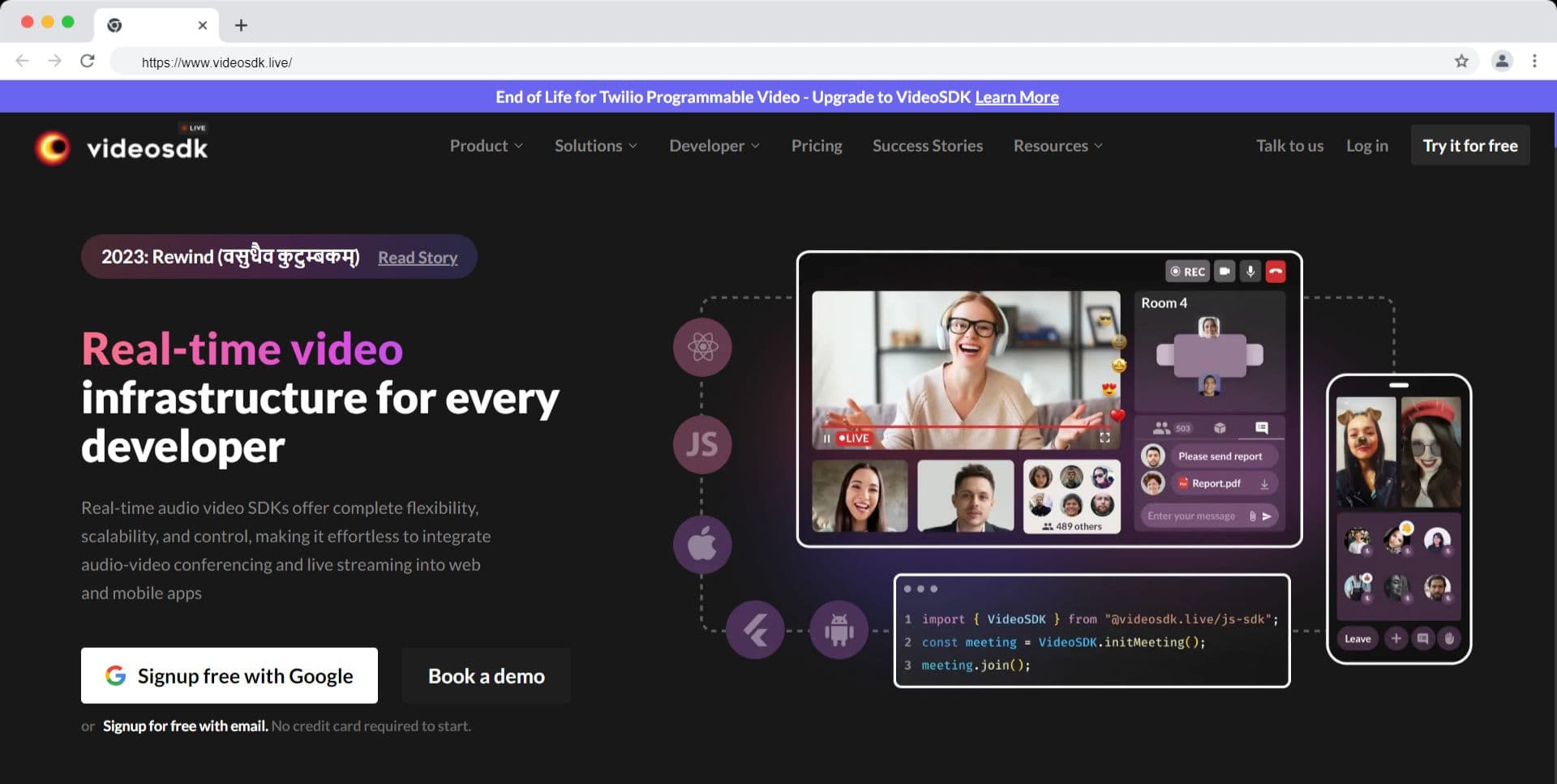
VideoSDK is a developer-first real-time communication platform that delivers managed audio and video calling, interactive live streaming, and a full AI voice agent pipeline in a single SDK. VideoSDK is defined as a cloud-hosted RTC infrastructure layer that handles SFU routing, TURN relay, global load balancing, and session recording without any server management from the developer's side.
Key features:
- Sub-80ms end-to-end audio latency on peer-to-peer calls across VideoSDK's global infrastructure.
- SDKs for JavaScript, React, React Native, Flutter, iOS, Android, Unity, IoT, and Python, the same platform coverage as LiveKit.
- AI Voice Agents framework: a built-in STT + LLM + TTS pipeline for deploying voice AI agents in production, with SIP/PSTN connectivity via Twilio and Plivo trunk integration.
- VideoSDK Inference: a unified API for running STT, LLM, and TTS models inside voice pipelines without managing separate vendor accounts.
- Cloud recording, real-time transcription, and session analytics included as managed add-ons.
- Free tier: $20 credit, no credit card required.
Best for: Product teams that want to eliminate self-hosted RTC infrastructure and need a single platform for both audio/video calling and AI voice agents.
Limitation: VideoSDK does not offer an open-source, self-hosted option for the video calling, but they provide an open-source AI voice agent. Teams with a hard regulatory requirement to run media servers on-premises must use the enterprise VPC deployment tier.
Competitive Pricing of VideoSDK
- Discover incredible value with VideoSDK! Take advantage of the generous offer of $20 free credit and enjoy flexible pricing options for both video and audio calls.
- Video calls start at just $0.004 per participant per minute, while audio calls begin at a minimal cost of $0.001.
- Cloud recordings are available at an affordable rate of $0.015 per minute, and RTMP output comes at a competitive price of $0.030 per minute.
- Additionally, benefit from free 24/7 customer support, ensuring assistance whenever you need it. Elevate your video capabilities today and embark on a journey of excellence!
Here's a detailed comparison of LiveKit and VideoSDK.
Schedule a Demo with Our Live Video Expert!
Discover how VideoSDK can help you build a cutting-edge real-time video app.
2. Twilio Video: Best for Teams Already on the Twilio Ecosystem
Twilio Video is a managed WebRTC SDK that lets developers embed live video into web, iOS, and Android applications using Twilio's cloud infrastructure. Twilio Video is defined as a programmable video API that abstracts TURN, SFU management, and room state from the developer, exposing a REST API and client SDKs for building real-time communication features.
Key features:
- Web, iOS, and Android SDKs with room-based call management.
- Network Traversal Service (NTS) for managed TURN relay.
- Call Insights dashboard for tracking media quality metrics, error rates, and participant events.
- Integration with Twilio Conversations, Flex, and other Twilio communications products for unified stack building.
- Support for up to 50 hosts and participants per room.
Best for: Teams already running Twilio for SMS, voice, or contact center workloads who want to add video without introducing a second vendor.
Limitation: Twilio Video does not include a native AI voice agent pipeline. Teams building voice AI must assemble STT, LLM, and TTS integrations separately. The 50-participant room cap limits large-group use cases.
Pricing for Twilio
- Twilio's pricing begins at $4 per 1,000 minutes. Recordings are charged at $0.004 per participant minute, while recording compositions cost $0.01 per composed minute.
- Storage is priced at $0.00167 per gigabyte per day after the initial 10 gigabytes.
Here's a detailed comparison of LiveKit and Twilio.
3. MirrorFly: Best for Enterprise On-Premise Deployments
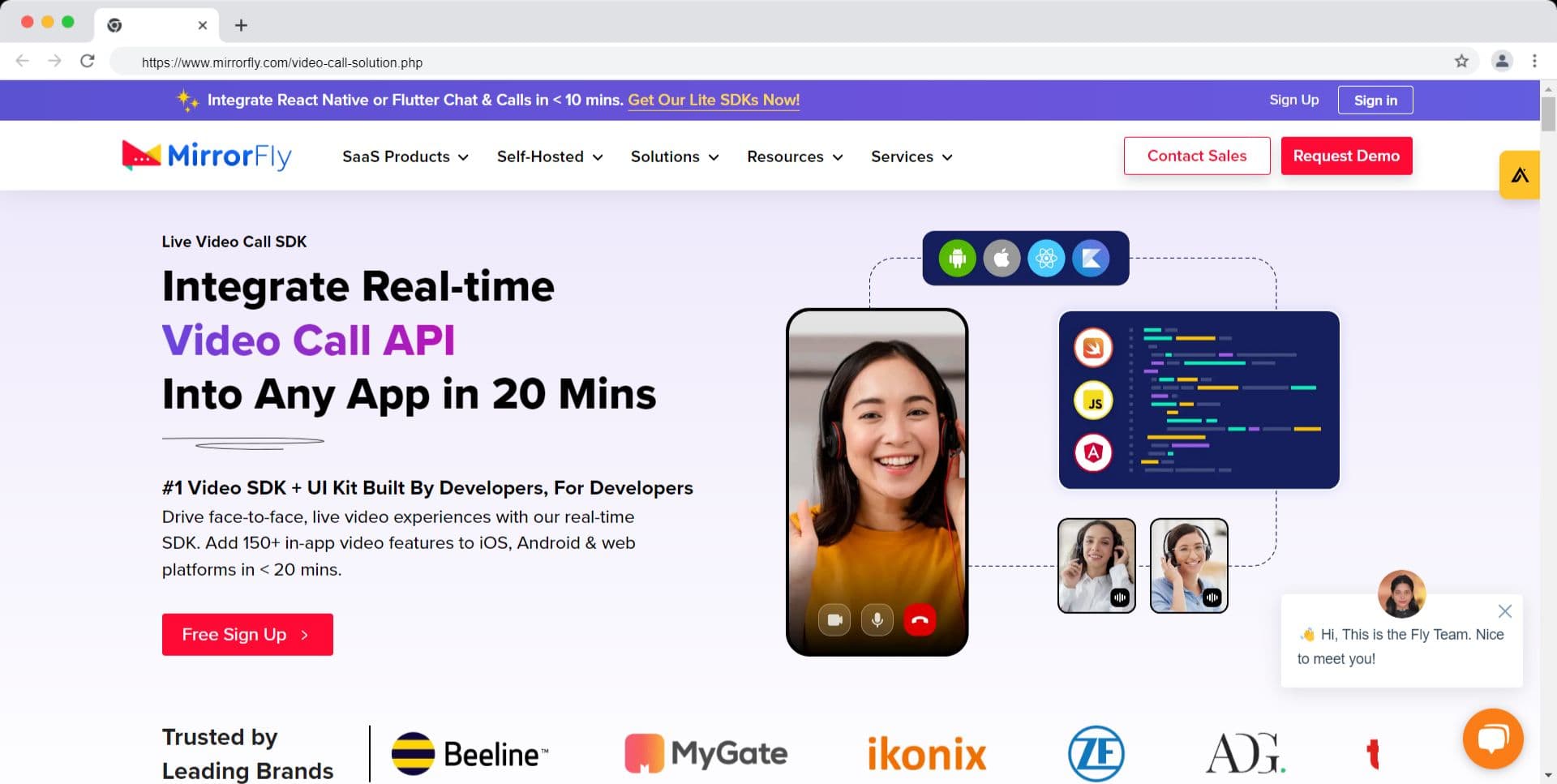
MirrorFly is an in-app communication suite designed for enterprises that require self-hosted or on-premise deployment of voice, video, and chat. MirrorFly is defined as a white-label communication SDK that delivers 150+ chat, voice, and video features through client SDKs, with a cloud-hosted or on-premise deployment model depending on the compliance requirements of the customer.
Key features:
- 150+ features across chat, voice, and video calling, including group video up to 200 participants on the enterprise tier.
- White-label branding with full UI customization on the enterprise plan.
- On-premise deployment option for organizations with data residency requirements.
- SDKs for iOS, Android, React Native, Flutter, and Web.
- SIP integration for PSTN connectivity.
Best for: Enterprise legal, government, or defense organizations that cannot send media through third-party cloud infrastructure and require on-premise deployment with white-label branding.
Limitation: MirrorFly's customization options on the mid-tier plan are constrained. Scaling for high-volume applications can require significant custom work. Documentation depth is uneven relative to developer-first platforms like VideoSDK or Agora.
MirrorFly pricing
- MirrorFly's pricing starts at $299 per month, positioning it as a higher-cost option to take into account.
4. Agora: Best for Global Reach and Rich Add-On Features
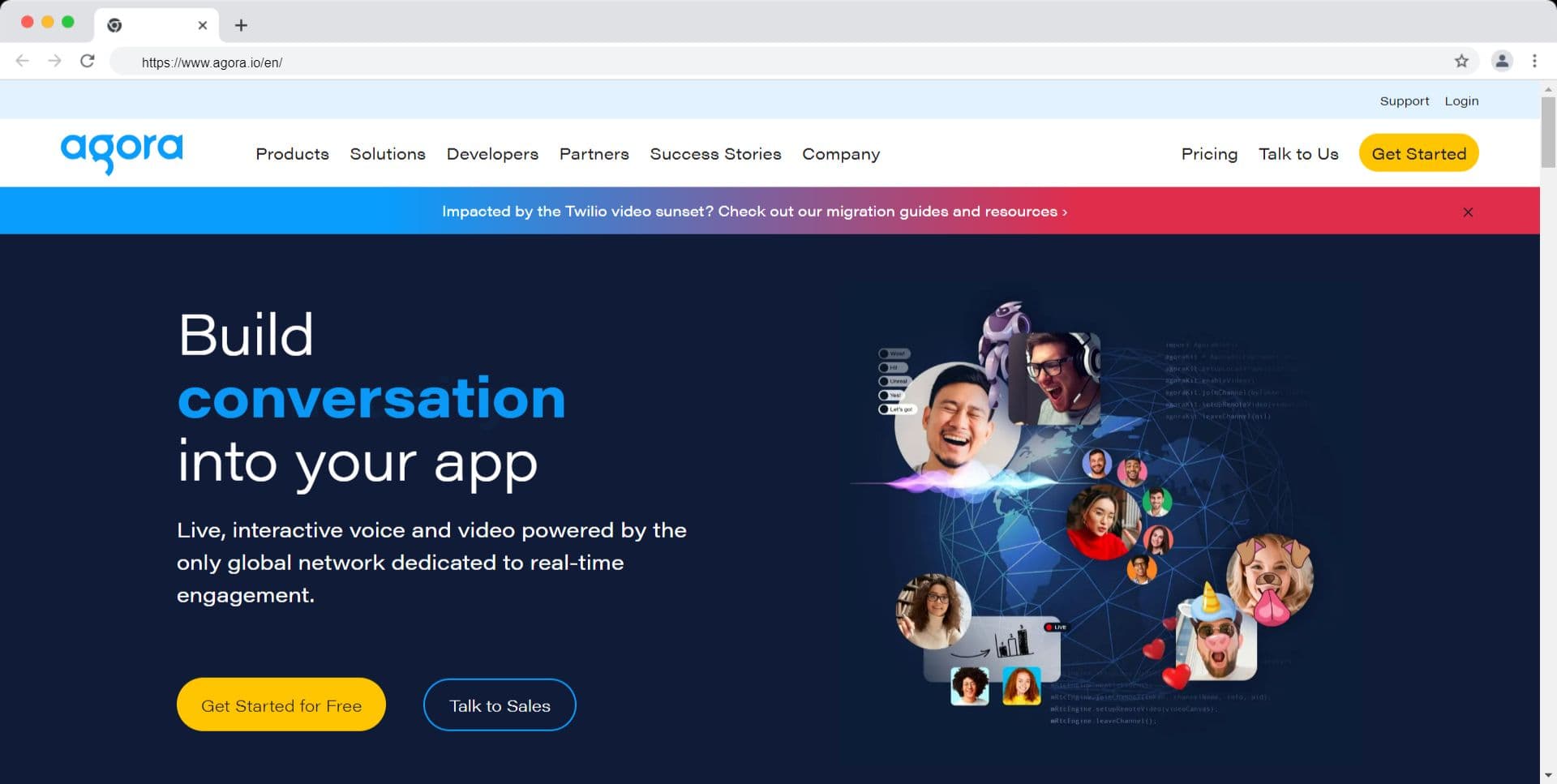
Agora is a real-time engagement platform that provides voice, video, live streaming, and messaging SDKs backed by its proprietary SD-RTN (Software-Defined Real-Time Network). Agora is defined as a managed global RTC network that routes media across 200+ countries and regions using a private backbone separate from the public internet, designed to reduce packet loss and jitter on long-distance calls.
Key features:
- SD-RTN coverage across 200+ countries and regions with documented ultra-low latency on cross-continent calls.
- SDKs for iOS, Android, Web, Unity, Electron, Flutter, React Native, and Windows.
- Add-ons including AR facial masks, background blur, AI noise cancellation, whiteboard, and virtual backgrounds (each billed separately).
- Agora Extensions Marketplace for third-party integrations.
- Real-time recording and live interactive streaming (HLS and RTMP output).
Best for: Applications targeting users across Asia, the Middle East, and Latin America where Agora's private network provides measurable quality advantages over public WebRTC paths.
Limitation: The add-on pricing model makes it difficult to forecast costs for applications that need multiple features simultaneously. Enterprise support requires a sales engagement.
Agora pricing
- Agora provides Premium and Standard pricing options, where the usage duration for audio and video is calculated monthly.
- The pricing is categorized into four types based on video resolution, offering flexibility and cost-effectiveness.
- The pricing structure includes Audio at $0.99 per 1,000 participant minutes, HD Video at $3.99 per 1,000 participant minutes, and Full HD Video at $8.99 per 1,000 participant minutes.
Here's a detailed comparison of LiveKit and Agora.
5. Jitsi: Best for Self-Hosted Open-Source Deployments
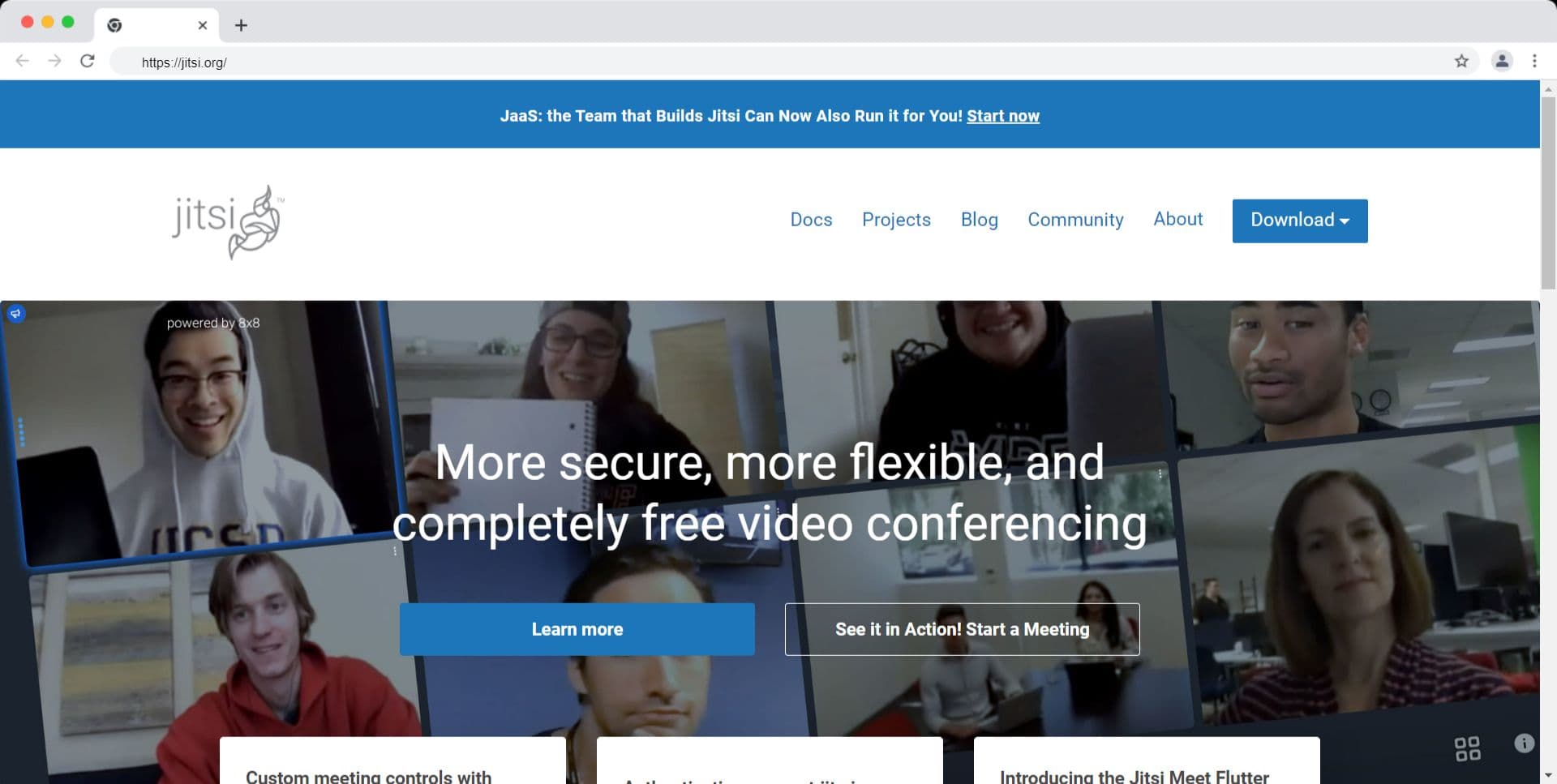
Jitsi is a collection of open-source projects for WebRTC-based video conferencing, anchored by Jitsi Meet (the end-user application), Jitsi Videobridge (the SFU), Jibri (the recording/streaming service), and Jicofo (the conference focus component). Jitsi is defined as an open-source video conferencing framework that gives engineering teams full control over every layer of the media stack, from SFU routing to recording to the UI.
Key features:
- Fully open-source under Apache 2.0 licensing -- no per-minute fees for self-hosted deployments.
- Jitsi Meet includes text chat, screen sharing (requires Jicofo configuration), room locking, hand-raising, and Etherpad integration.
- Jitsi Videobridge is a pure SFU, functionally similar to LiveKit's media server layer.
- Active community with frequent releases and a public Matrix community channel.
- 8x8 offers Jitsi as a Service (JaaS) for teams that want a managed Jitsi deployment with an SLA.
Best for: Teams migrating from LiveKit's self-hosted model who want to stay on an open-source SFU with an active community and avoid per-minute SaaS costs entirely.
Limitation: Jitsi does not provide dedicated technical support on the self-hosted path. Recording and streaming require running Jibri, a separate Java process that consumes significant CPU resources. End-to-end encryption does not cover chat or polls.
Jitsi pricing
- Jitsi is offered free of charge, meaning you don't need to pay for any of its components.
- However, it's important to note that there is no dedicated technical support available. In case you encounter any issues or require assistance, you may find help from community members who contribute to the Jitsi project.
Here's a detailed comparison of LiveKit and Jitsi.
6. Vonage: Best for Regulated Industry Use Cases
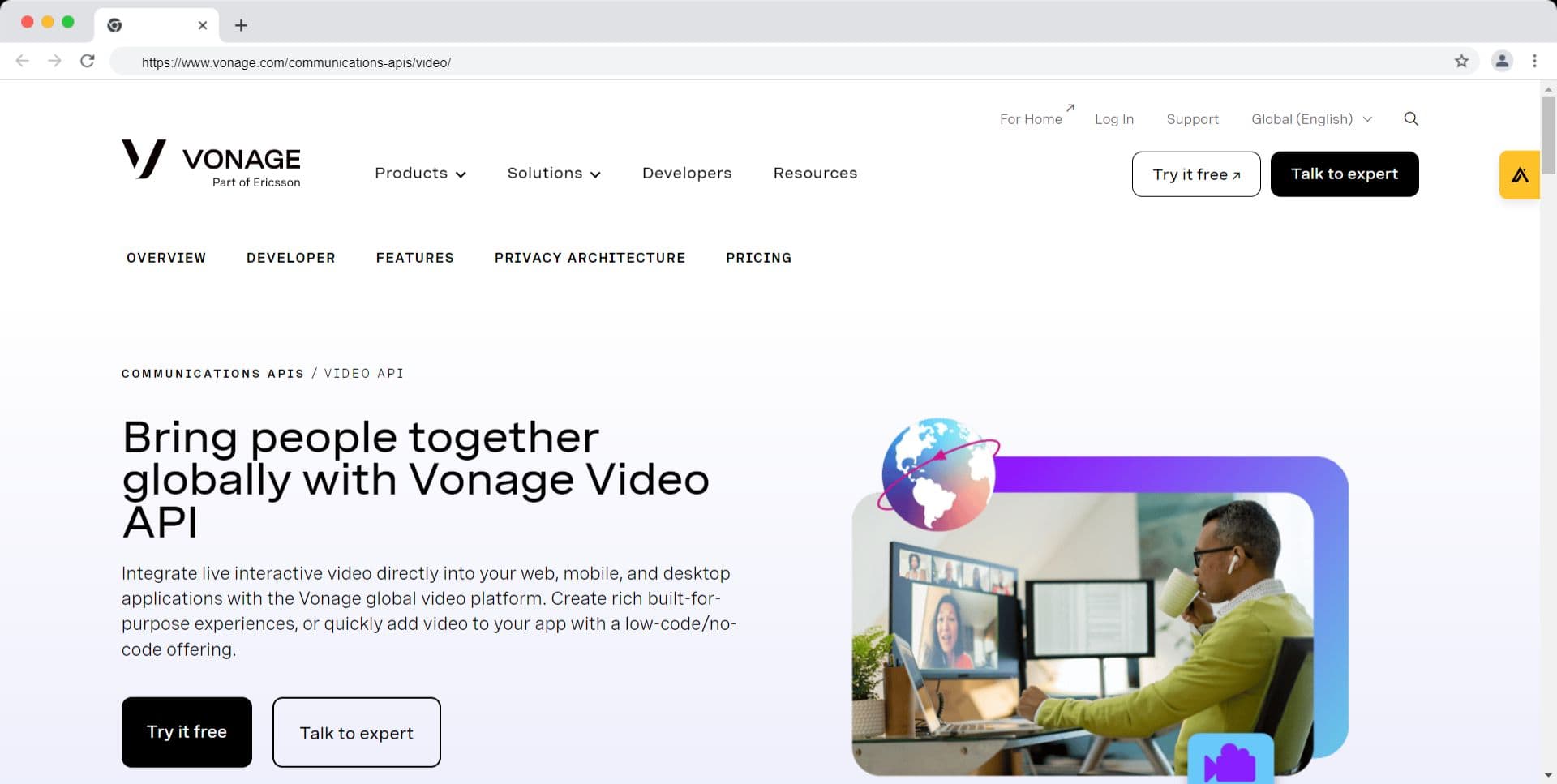
The Vonage Video API is a managed WebRTC platform, previously known as TokBox before Vonage's acquisition, that provides SDKs for building custom audio and video experiences in web and mobile applications. The Vonage Video API is defined as a cloud-based programmable video service that delivers session management, media routing, and recording through a REST API and client SDKs, with HIPAA-eligible infrastructure available on enterprise plans.
Key features:
- SDKs for web (JavaScript), iOS, Android, Windows, Linux, and macOS.
- Broadcast mode for large-scale sessions: up to 3,000 concurrent viewers via WebRTC and beyond 3,000 via HLS (note: HLS introduces higher latency).
- Archive recording with composing options (individual or composed layouts).
- AR and VR effect support on mobile via the Vonage Media Processor.
- HIPAA-eligible deployment option for healthcare use cases.
Best for: Healthcare, legal, and financial services applications that require HIPAA-eligible or regulated-compliant video infrastructure, where Vonage's enterprise compliance documentation reduces vendor assessment time.
Limitation: Scalability cost grows sharply with session volume. At 2,000+ connections, the platform switches to CDN delivery, which increases latency. Large-scale broadcast (beyond 3,000 viewers) requires switching to HLS, which is incompatible with sub-second interaction.
Vonage pricing
- Vonage implements a usage-based pricing model for their video sessions, with costs based on the number of participants and dynamically calculated every minute.
- Their pricing plans commence at $9.99 per month and include a free allowance of 2,000 minutes per month for all plans.
- Once the free allowance is utilized, users are billed at a rate of $0.00395 per participant per minute. Recording services are available starting at $0.010 per minute, while HLS streaming is priced at $0.003 per minute.
Here's a detailed comparison of LiveKit and Vonage.
7. AWS Chime SDK: Best for Teams Building on AWS Infrastructure
The Amazon Chime SDK is the developer-facing API layer of Amazon's communication infrastructure, available independently from the Amazon Chime meeting application. The Amazon Chime SDK is defined as a set of client libraries and server-side APIs that enable developers to add audio, video, data messaging, and PSTN telephony to any application running on or integrated with AWS infrastructure.
Key features:
- Amazon Echo Reduction for audio quality in far-field microphone scenarios.
- Simulcast technology for consistent video quality across variable network conditions.
- PSTN Audio integration: connect WebRTC sessions to the public phone network via Amazon Chime PSTN Audio APIs.
- Media pipelines for capturing and concatenating audio/video from Amazon Chime SDK meetings.
- Tight integration with AWS IAM, CloudWatch, and EventBridge for security and observability.
- All calls, videos, and data are encrypted at rest and in transit.
Best for: Teams whose entire infrastructure runs on AWS and need tight integration between their RTC layer and existing IAM roles, CloudWatch dashboards, and AWS data pipelines.
Limitation: The Amazon Chime SDK supports up to 250 attendees per meeting. It lacks native AI voice agent support, no-code UI components, or a managed recording pipeline outside of the Amazon Chime SDK media pipelines feature, which requires additional setup.
AWS Chime pricing
- The free basic plan allows users to have one-on-one audio/video calls and group chats.
- The Plus plan, priced at $2.50 per monthly user, provides additional features including screen sharing, remote desktop control, 1 GB of message history per user, and Active Directory integration.
- The Pro plan, priced at $15 per user per month, includes all the features of the Plus plan and allows for meetings with three or more participants.
Here's a detailed comparison of LiveKit and AWS Chime.
8. EnableX: Best for Mid-Market Applications Needing Collaborative Add-Ons
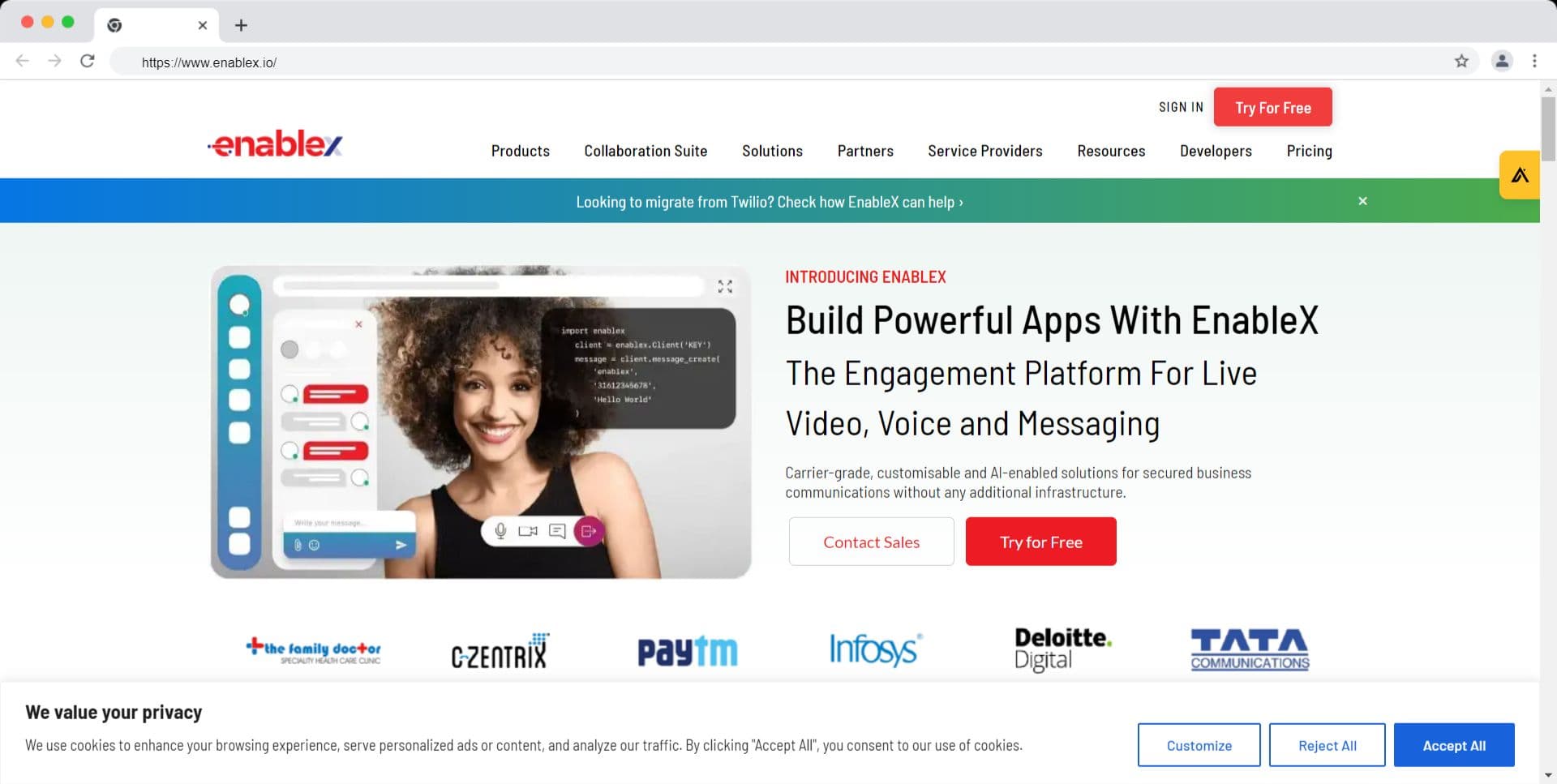
EnableX is a cloud communications platform that combines video and audio calling with built-in collaborative features. EnableX is defined as a CPaaS (Communications Platform as a Service) that provides a REST API and client SDKs for embedding real-time video, including whiteboard, annotation, and screen sharing, into web and mobile applications.
Key features:
- Built-in whiteboard, annotation layer, and screen sharing across JavaScript, PHP, and Python SDKs.
- Self-service portal with live analytics and reporting for session quality monitoring.
- RTMP output for live streaming to YouTube and Facebook directly from the SDK.
- EnableX Video Builder tool for creating custom video call UI without writing component code from scratch.
- Cloud recording with transcoding at $0.010 per minute per participant.
Best for: Mid-market SaaS applications in education, healthcare, or legal that need whiteboard and annotation as first-class features without building them from scratch.
Limitation: EnableX support response time can reach 72 hours, which is a documented gap for production incidents. The platform does not offer an open-source SDK layer or self-hosting.
EnableX pricing
- EnableX pricing begins at $0.004 per minute per participant for rooms accommodating up to 50 people. For larger meetings or events, custom pricing options can be obtained through their sales team.
- Recording services are available at a rate of $0.010 per minute per participant.
- Transcoding of video into a different format can be done at a rate of $0.010 per minute.
- Additional storage can be acquired at a rate of $0.05 per gigabyte per month, while RTMP streaming is priced at $0.10 per minute.
9. Whereby: Simple and Efficient Video Conferencing
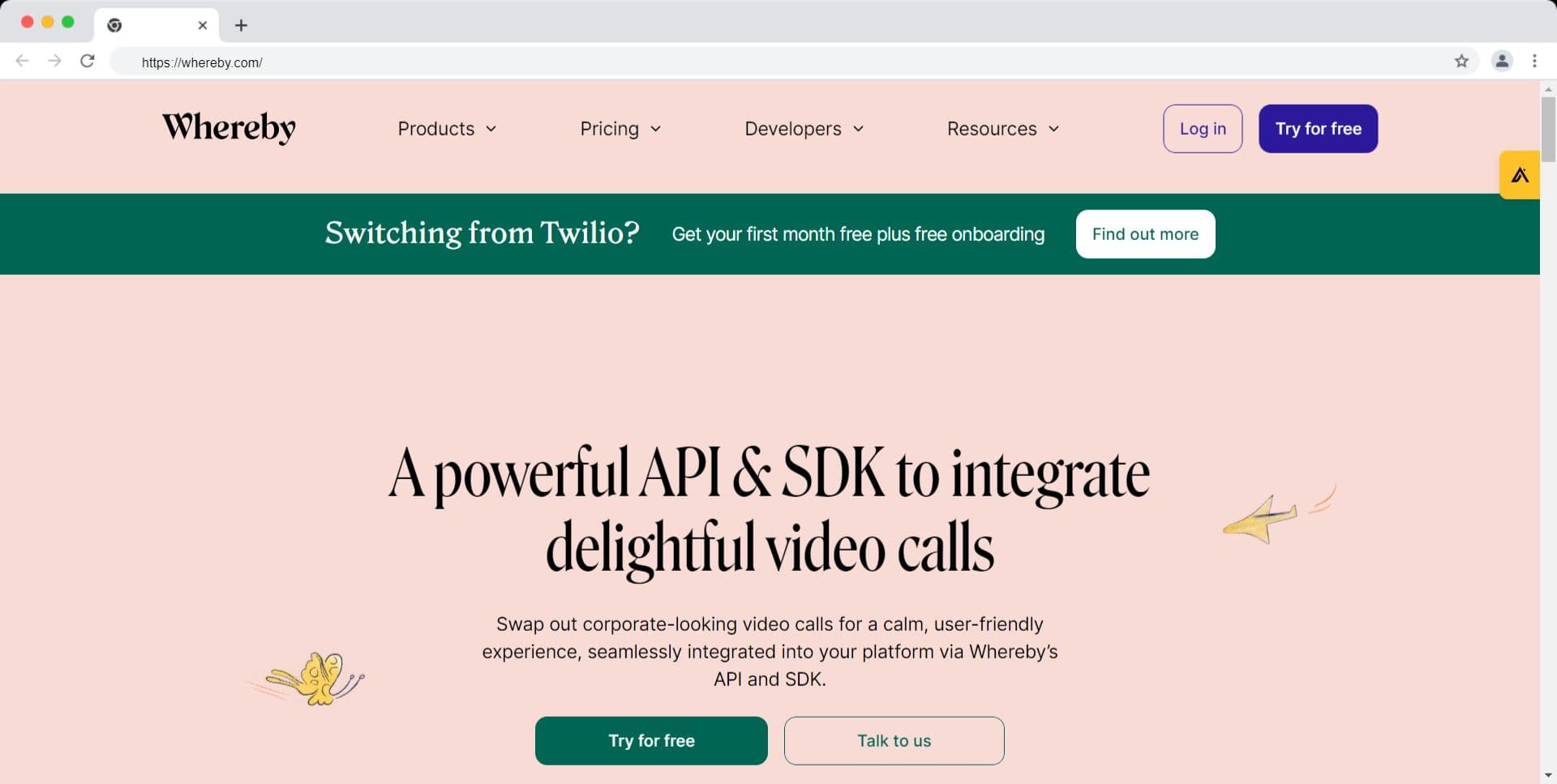
Whereby Embedded is the developer-facing product of the Whereby video conferencing platform, which allows developers to embed a fully functioning video room into a web application via a single iFrame or JavaScript API call. Whereby Embedded is defined as a hosted video conferencing service that removes all client-side SDK complexity by rendering the entire video UI inside an embedded iframe hosted on Whereby's infrastructure.
Key features:
- Single-line embed: one URL parameter call adds a video room to any web page.
- No client-side WebRTC handling required -- the iframe manages media negotiation.
- Customizable room appearance via URL parameters (brand colors, logo, button visibility).
- Recording and live streaming available at the per-minute rate.
- Cloud recording available at $0.01 per minute.
- Meeting room capacity up to 50 participants.
Best for: Product teams that need to add video quickly into a web application without managing a WebRTC SDK, and where the room experience is functional rather than deeply customized.
Limitation: Whereby Embedded is not an SDK in the traditional sense – it does not expose media streams, participant events, or real-time data channels to the host application. Developers who need programmatic control over media (muting, recording start/stop, participant management) must use the Whereby REST API, which has limited coverage compared to full-SDK alternatives.
Whereby pricing
- Whereby provides a pricing model starting at $6.99 per month, which includes an allocation of up to 2,000 user minutes that renew monthly.
- After the allocated minutes are used up, an additional charge of $0.004 per minute applies.
- Cloud recording and live streaming options are available at a rate of $0.01 per minute.
- Email and chat support are provided free of charge to all users, ensuring accessible assistance.
- Paid support plans offer additional features such as technical onboarding, customer success management, and HIPAA compliance.
10. SignalWire: Best for Telecom-Native Real-Time Video
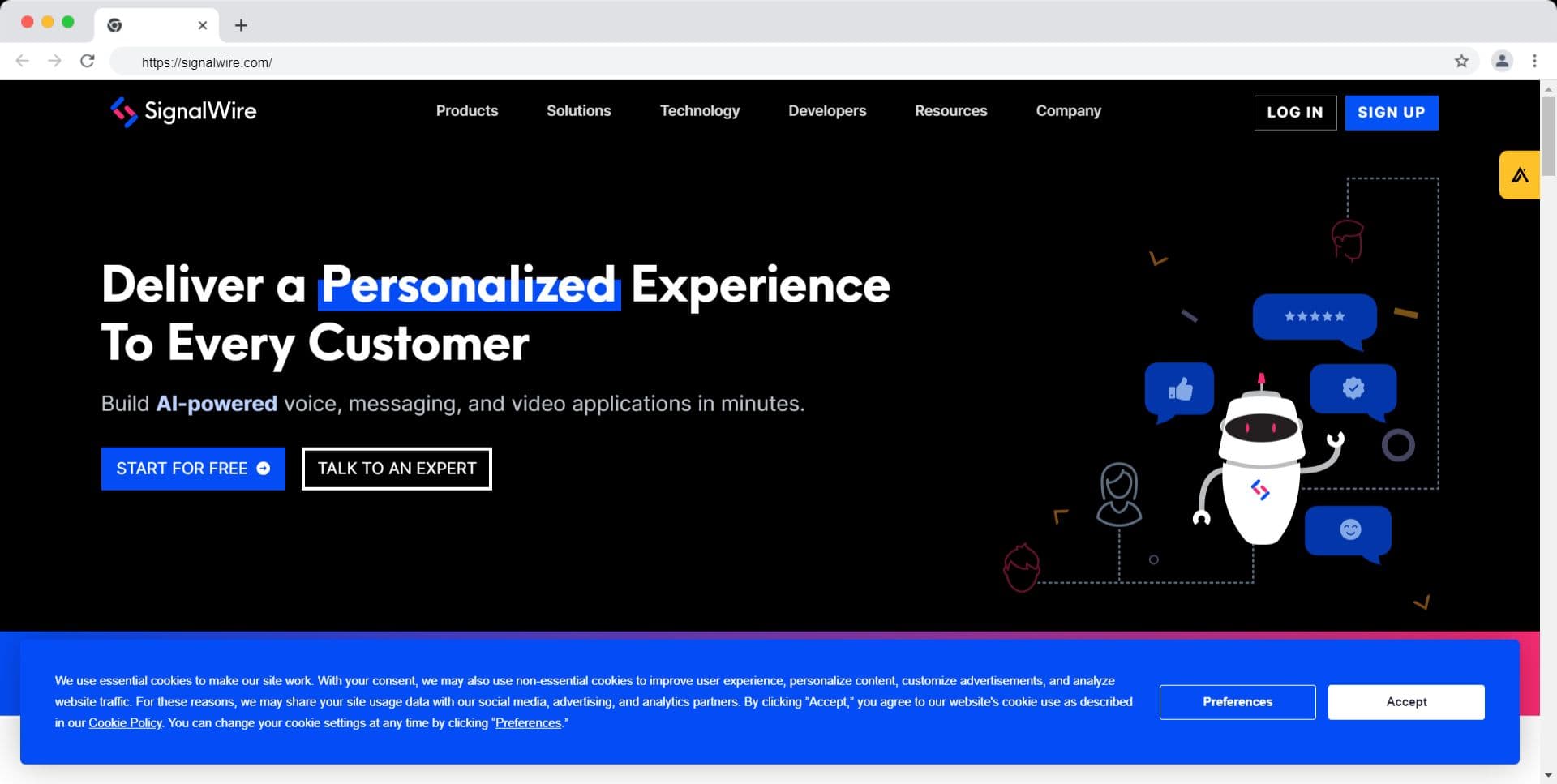
SignalWire is a cloud communications platform founded by the FreeSWITCH development team, combining traditional telephony (SIP, PSTN) with WebRTC video calling. SignalWire is defined as a programmable telecom platform that unifies SIP trunking, PSTN, and WebRTC video under a single API surface, making it the most telecom-native option among LiveKit alternatives.
Key features:
- WebRTC video rooms supporting up to 100 participants in a real-time environment.
- Native SIP and PSTN integration without a third-party SIP trunk.
- Video APIs available for web, iOS, and Android applications.
- RELAY SDK for building interactive voice response (IVR) systems alongside video features.
- Recording at $0.0045 per minute.
Best for: Telecom-adjacent applications that need both SIP/PSTN calling and WebRTC video under a single vendor relationship, eliminating a separate SIP trunk integration.
Limitation: SignalWire's SDK does not include built-in support for managing disruption recovery or publish-subscribe logic. Developers must implement reconnection and subscription state management themselves.
SignalWire pricing
- SignalWire implements a pricing model based on per-minute usage. For HD video calls, the pricing is $0.0060 per minute, while Full HD video calls are priced at $0.012 per minute. The actual cost may vary depending on the desired video quality for your application.
- Additionally, SignalWire offers additional features such as recording, which is available at a rate of $0.0045 per minute. This allows you to capture and store video content for future use.
- The platform also provides streaming capabilities priced at $0.10 per minute, enabling real-time broadcasting of your video content.
LiveKit Alternatives Comparison Table
| Platform | Infrastructure Model | AI Voice Agent Support | SDK Platforms | Starting Price | Best For |
|---|---|---|---|---|---|
| VideoSDK | Fully managed | Yes (native STT + LLM + TTS pipeline) | React, RN, Flutter, iOS, Android, Unity, Python | $0.004/participant-min | Managed WebRTC + AI voice agents |
| Agora | Fully managed | Partial (third-party integrations) | iOS, Android, Web, Unity, Flutter, RN | $0.99/1,000 min | Global reach, Asia/MENA traffic |
| Twilio Video | Fully managed | No | Web, iOS, Android | $4/1,000 min | Teams on the Twilio stack |
| Jitsi | Self-hosted or 8x8 JaaS | No | Web, iOS, Android | Free (self-hosted) | Open-source self-hosting |
| Vonage Video API | Fully managed | No | Web, iOS, Android, Windows | $9.99/mo + $0.00395/min | Regulated industries (HIPAA) |
| AWS Chime SDK | Fully managed (AWS) | No | Web, iOS, Android | $0.0017/attendee-min | AWS-native teams |
| EnableX | Fully managed | No | JS, PHP, Python | $0.004/min/participant | Collaborative features (whiteboard) |
| MirrorFly | Cloud or on-premise | No | iOS, Android, RN, Flutter, Web | $299/mo | Enterprise on-premise |
| Whereby Embedded | Fully managed | No | Web (iFrame) | $6.99/mo | No-code web embedding |
| SignalWire | Fully managed | No | Web, iOS, Android | $0.006/min | SIP/PSTN + WebRTC |
All pricing figures require verification before use in budget calculations.
How to Choose the Right LiveKit Alternative
The right LiveKit alternative depends on one primary decision: managed infrastructure vs. continued self-hosting, and whether your roadmap includes AI voice features.
Choose VideoSDK if you are building a product that needs both real-time audio/video and AI voice agent capabilities on a single platform, you want per-minute transparent pricing with no infrastructure management, and you need SDK support across mobile (Flutter, React Native, iOS, Android) and web in the same codebase. VideoSDK is also the right choice for teams that want to migrate from LiveKit and eliminate the server management burden entirely.
Choose Agora if your primary users are in Asia, the Middle East, or Latin America, and you have measured quality degradation on public WebRTC paths. Agora's SD-RTN private backbone is the most documented solution to cross-continent latency problems.
Choose Jitsi if you are running a self-hosted deployment today and want to stay open-source. Jitsi Videobridge is architecturally similar to LiveKit's SFU layer, and the migration path is well-documented in the Jitsi community. Use 8x8 JaaS if you want managed Jitsi without managing the server.
Choose Vonage Video API if your application is in healthcare, legal, or financial services and you need HIPAA-eligible infrastructure backed by existing Vonage compliance documentation.
Choose AWS Chime SDK if your full stack runs on AWS and you require tight IAM, CloudWatch, and EventBridge integration that would require a custom integration layer with any other vendor.
Choose Twilio Video if your team already runs Twilio for SMS, voice, or contact center operations and the unified billing and support relationship outweighs the feature set comparison.
Choose EnableX if your application is in education or healthcare and requires whiteboard and annotation as first-class features without a custom build.
Choose SignalWire if your product sits at the intersection of telephony and video, for example, a virtual call center or an IVR system that needs WebRTC video escalation.
Avoid Whereby Embedded if you need programmatic media control, custom UI components, or a mobile SDK. It is best treated as an embed tool, not a developer SDK.
Avoid MirrorFly for high-volume consumer-facing applications. Its pricing model and scalability constraints are designed for enterprise communication platforms, not high-throughput developer products.
Migrating from LiveKit to a Managed Alternative
Migrating from LiveKit to a fully managed platform involves four steps regardless of which alternative you choose:
- Swap the token and authentication layer. LiveKit uses JWT tokens signed with a server-side API key. Most managed platforms (VideoSDK, Agora, Vonage) use a similar token model. The server-side token generation function is typically a 10-30 line change.
- Map Room and Participant APIs. Each platform exposes its own abstractions for "room," "participant," and "track." In VideoSDK, these are Meeting, Participant, and Stream. In Agora, they are Channel, User, and Track. Mapping takes 1-3 days for a mid-sized codebase.
- Replace TURN server references. Self-hosted LiveKit deployments configure a coturn or Cloudflare TURN instance. Managed platforms handle TURN natively, remove the TURN server configuration entirely.
- Decommission the SFU cluster. Once the application is validated on the managed platform, terminate the LiveKit server instances, Redis cluster, and associated load balancers.
According to VideoSDK's migration documentation, a typical LiveKit-to-VideoSDK migration takes 3-5 days for a mid-sized codebase. VideoSDK provides migration guides for JavaScript, React, iOS, and Android at VideoSDK Docs.
Certainly!
VideoSDK is an exceptional software development kit (SDK) that prioritizes fast and seamless integration. It empowers developers with a low-code solution to quickly construct live video experiences within their applications. With VideoSDK, custom video conferencing solutions can be created and deployed in less than 10 minutes, significantly reducing the time and effort required for integration. Unlike other SDKs, Video SDK offers a streamlined process that simplifies the creation and embedding of live video experiences, facilitating effortless real-time connections, communication, and collaboration.
Still skeptical?
Explore the comprehensive Quickstart guide of VideoSDK and uncover its limitless possibilities. Immerse yourself in its potential by delving into the specially designed sample app that demonstrates the power of VideoSDK. Sign up now and embark on your integration journey, seizing the opportunity to claim your complimentary $20 free credit and unleash the full potential of VideoSDK. Rest assured, our dedicated team is just a click away, ready to assist you whenever you need support. Prepare to unleash your creativity and showcase the extraordinary experiences you can create with VideoSDK. Let the world witness your creations!
Definitions Glossary
SFU (Selective Forwarding Unit): A media server architecture that receives media streams from each publisher and forwards them selectively to the correct subscribers without mixing or transcoding, keeping server CPU usage lower than MCU architectures at equivalent participant counts.
WebRTC (Web Real-Time Communication): An open web standard maintained by the W3C and IETF that enables real-time audio, video, and data transfer directly between browsers and mobile applications without a plugin.
TURN (Traversal Using Relays around NAT): A relay server defined in RFC 5766 that forwards WebRTC media traffic when a direct peer-to-peer connection cannot be established due to NAT or firewall restrictions.
STT (Speech-to-Text): A voice processing component, also called Automatic Speech Recognition (ASR), that converts spoken audio input into text for downstream processing by an LLM or other system.
SIP (Session Initiation Protocol): The IETF-standardized signaling protocol (RFC 3261) used to establish, modify, and terminate multimedia sessions including PSTN phone calls, enabling WebRTC-to-phone connectivity.
PSTN (Public Switched Telephone Network): The traditional telephone network infrastructure that carries voice calls over circuit-switched lines, reachable from WebRTC applications via SIP trunking.
Key Takeaways
- VideoSDK is the strongest LiveKit alternative for teams that want a fully managed WebRTC platform with native AI voice agent support, transparent per-minute pricing, and zero infrastructure management.
- Jitsi is the correct LiveKit alternative for teams with a DevOps budget and a hard requirement to self-host media servers on their own infrastructure.
- Agora leads on global infrastructure coverage and is the best choice for applications serving users in Asia, the Middle East, and Latin America where public WebRTC paths introduce measurable latency.
- The primary cost of staying on self-hosted LiveKit is not the server cost, it is the ongoing engineering time required to maintain, scale, and monitor the SFU cluster, TURN service, and recording pipeline.
- Migrating from LiveKit to a managed platform typically takes 3-5 days for a mid-sized codebase and eliminates the infrastructure management burden entirely.
- Start with VideoSDK's $20 free credit to validate the migration path before committing to a full switch signup now.
Conclusion
Choosing the right LiveKit alternative comes down to one question: does your team want to own the infrastructure or the product? LiveKit's self-hosted model gives maximum control at the cost of DevOps overhead. Every managed LiveKit alternative on this list removes that overhead, and several, particularly VideoSDK, add AI voice agent capabilities that LiveKit does not provide natively. For most product teams building in 2026, the managed path is the faster route to a production-ready real-time application. Start building with VideoSDK's free tier – $20 credit, no credit card required. Sign up now, or explore the full VideoSDK documentation.
Frequently Asked Questions
What are the best LiveKit alternatives for developers in 2026?
The best LiveKit alternatives for developers in 2026 are VideoSDK, Agora, Twilio Video, Jitsi, and the Vonage Video API. VideoSDK is the strongest pick for teams that want a fully managed platform with AI voice agent support. Jitsi is the best choice for teams with a hard self-hosting requirement. Agora leads for applications serving users in Asia and the Middle East.
What is the main difference between LiveKit and VideoSDK?
The main difference between LiveKit and VideoSDK is the infrastructure model. LiveKit is an open-source SFU that teams self-host, requiring them to manage the media server, TURN service, recording pipeline, and cluster scaling. VideoSDK is a fully managed platform where all of that infrastructure is handled by VideoSDK, and developers interact with it exclusively through client SDKs and a REST API.
Is there a free LiveKit alternative with no per-minute cost?
Jitsi is the only LiveKit alternative with no per-minute cost on the self-hosted path. It is open-source and free to run, but teams must provision, maintain, and scale the server infrastructure themselves. 8x8 JaaS offers a managed Jitsi deployment with a free tier of 25 monthly active users.
Can I migrate from LiveKit to VideoSDK without rewriting my application?
Migrating from LiveKit to VideoSDK does not require a full application rewrite, but it does require remapping core abstractions. The token layer, Room/Participant APIs, and TURN configuration each need to be swapped to VideoSDK equivalents. According to VideoSDK's documentation, the migration takes 3-5 days for a mid-sized codebase and is supported by migration guides for JavaScript, React, iOS, and Android.
Which LiveKit alternative supports AI voice agents natively?
VideoSDK is the only LiveKit alternative on this list with a native AI voice agent pipeline. VideoSDK's AI Agents framework bundles STT, LLM, and TTS into a single managed pipeline, supports SIP/PSTN connectivity, and provides VideoSDK Inference for running STT, LLM, and TTS models without managing separate vendor accounts. Other platforms on this list require a custom integration layer to achieve comparable AI voice functionality.
What is the best LiveKit alternative for healthcare applications?
The VideoSDK and Vonage Video API are the best LiveKit alternatives for healthcare applications that require HIPAA-eligible infrastructure and existing compliance documentation to satisfy a vendor security assessment. VideoSDK also offers HIPAA-eligible infrastructure on its enterprise plan.
Is Jitsi a good LiveKit alternative?
Jitsi is a good LiveKit alternative specifically for teams that want to remain on an open-source self-hosted SFU with no per-minute fees. Jitsi Videobridge is architecturally similar to LiveKit's media server, and the migration path is supported by both platforms' documentation. Jitsi is not a good alternative for teams seeking a managed platform with a support SLA, AI voice features, or a mobile SDK with guaranteed uptime.